Humidity-Thermal Aging Test & Lifetime Assessment for Desktop Power Adapter Reliability
1. Failure Mechanism of Desktop Power Adapter under Humid & Hot Stress
In humid conditions, moisture penetrates the enclosure of the Desktop Power Adapter and condenses on PCB surfaces. Combined heat and humidity slowly reduce PCB insulation resistance and trigger electrochemical corrosion on metal terminals and solder joints.
No abnormality appears in short power-on tests. After months of continuous operation, corrosion progresses, leakage current rises and the Desktop Power Adapter triggers protection. Severe cases cause insulation breakdown. A Desktop Power Adapter designed for normal indoor use uses materials not suitable for humid industrial environments.
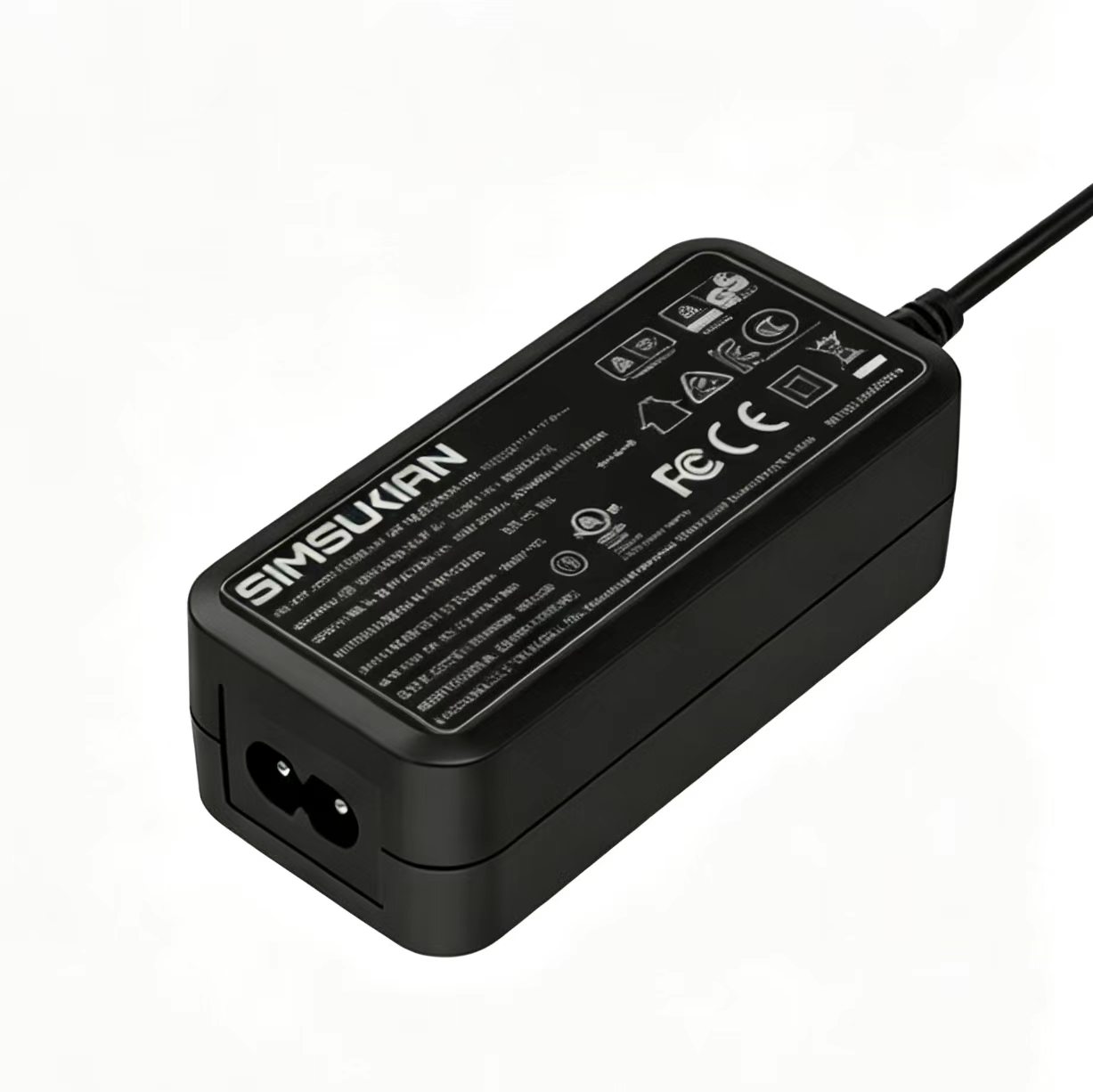 Many B-side devices are installed outside dry temperature-controlled rooms. Humidity-thermal aging simulates long-term field conditions and reveals hidden corrosion and insulation degradation of the Desktop Power Adapter.
2. Standard Constant Humidity-Thermal Aging Workflow for Desktop Power Adapter
Typical test profile for Desktop Power Adapter: 85℃ ambient temperature, 85% relative humidity for thousands of hours. Samples run under electrical load. At intervals, cool samples to room temperature, then measure insulation resistance, leakage current and output parameters, and inspect for corrosion or plastic cracking.
Compare hipot and insulation data before and after aging. The Desktop Power Adapter fails if insulation resistance drops sharply, leakage exceeds limits or solder joints corrode.
Use fully finished units, do not remove enclosures. Enclosure sealing and vent design directly control how fast moisture enters inside the Desktop Power Adapter.
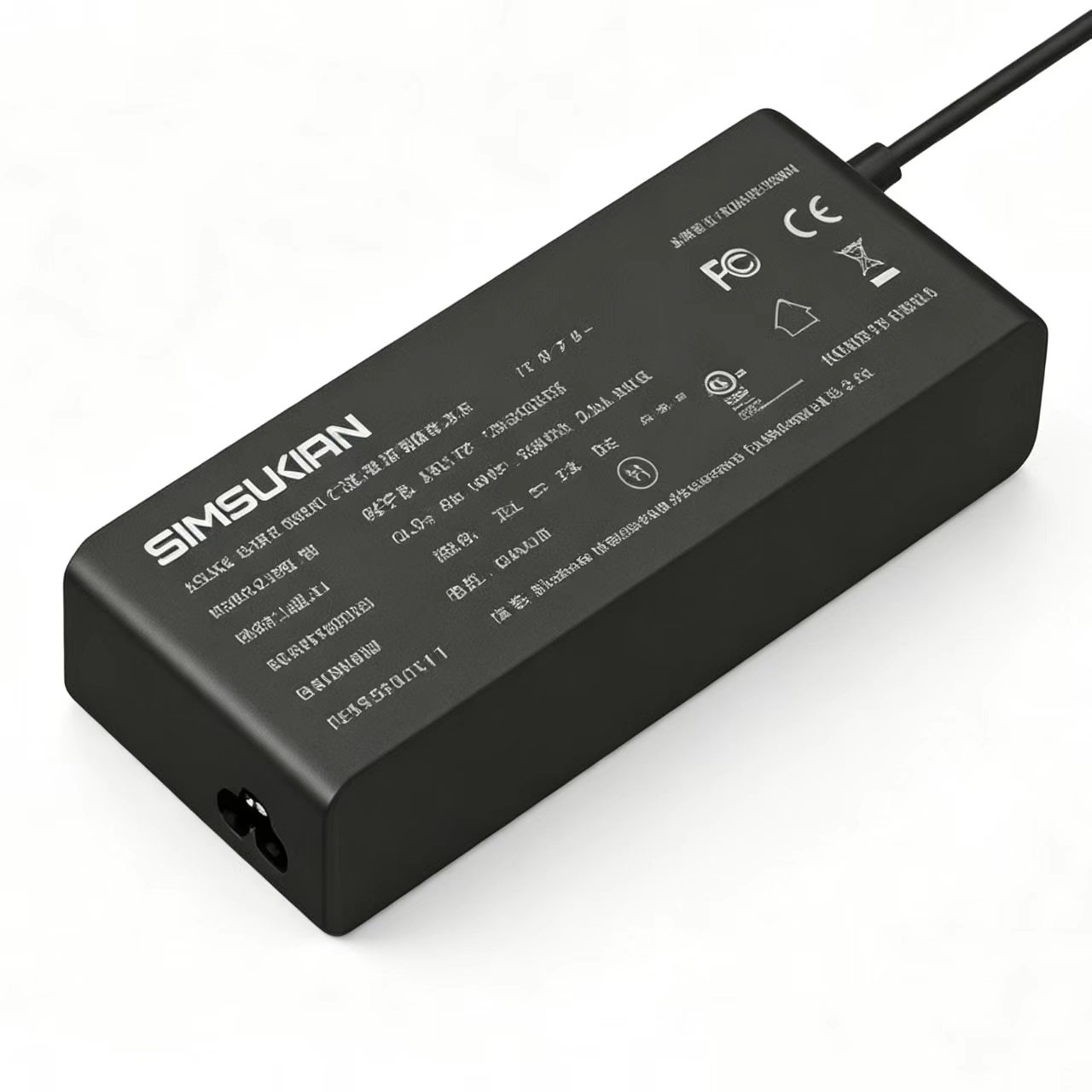
3. Key Materials Affecting Humid Lifetime of Desktop Power Adapter
1. PCB solder mask. Low-grade mask absorbs moisture under heat and humidity and reduces insulation resistance. High-quality Desktop Power Adapter uses moisture-resistant solder mask.
2. Component pin plating. Standard tin plating corrodes easily under high heat and humidity. Premium Desktop Power Adapter uses corrosion-resistant plating to slow electrochemical attack.
3. Enclosure plastic. Water absorption rate of plastic controls moisture penetration speed. High-absorption plastic accelerates moisture ingress into the Desktop Power Adapter.
4. Potting compound (if applied). Some Desktop Power Adapter uses potting; low-quality compound has micro-pores and still allows moisture penetration.
4. Sample Test & Failure Judgment Rules
At sample selection phase for humid applications, ask suppliers for humidity-thermal aging reports of the Desktop Power Adapter. Log data regularly and save raw records and photos.
After aging, recheck electrical parameters and dissect samples visually for solder and terminal corrosion. If corrosion spots appear inside the Desktop Power Adapter, hidden hazards remain even if electrical specs still pass temporarily.
If failed, optimize enclosure vent structure, switch to moisture-resistant PCB mask and terminal plating, and re-test the Desktop Power Adapter.
5. Mass Production Material Control & On-site Protection Tips
Lock material grades for PCB mask, terminal plating and enclosure plastic for the Desktop Power Adapter during mass production. Any material change alters humidity resistance and requires full re-aging validation.
For field deployment, even with a humidity-resistant Desktop Power Adapter, add cabinet dehumidification and dust protection to reduce ambient humidity and extend system life.
Conclusion
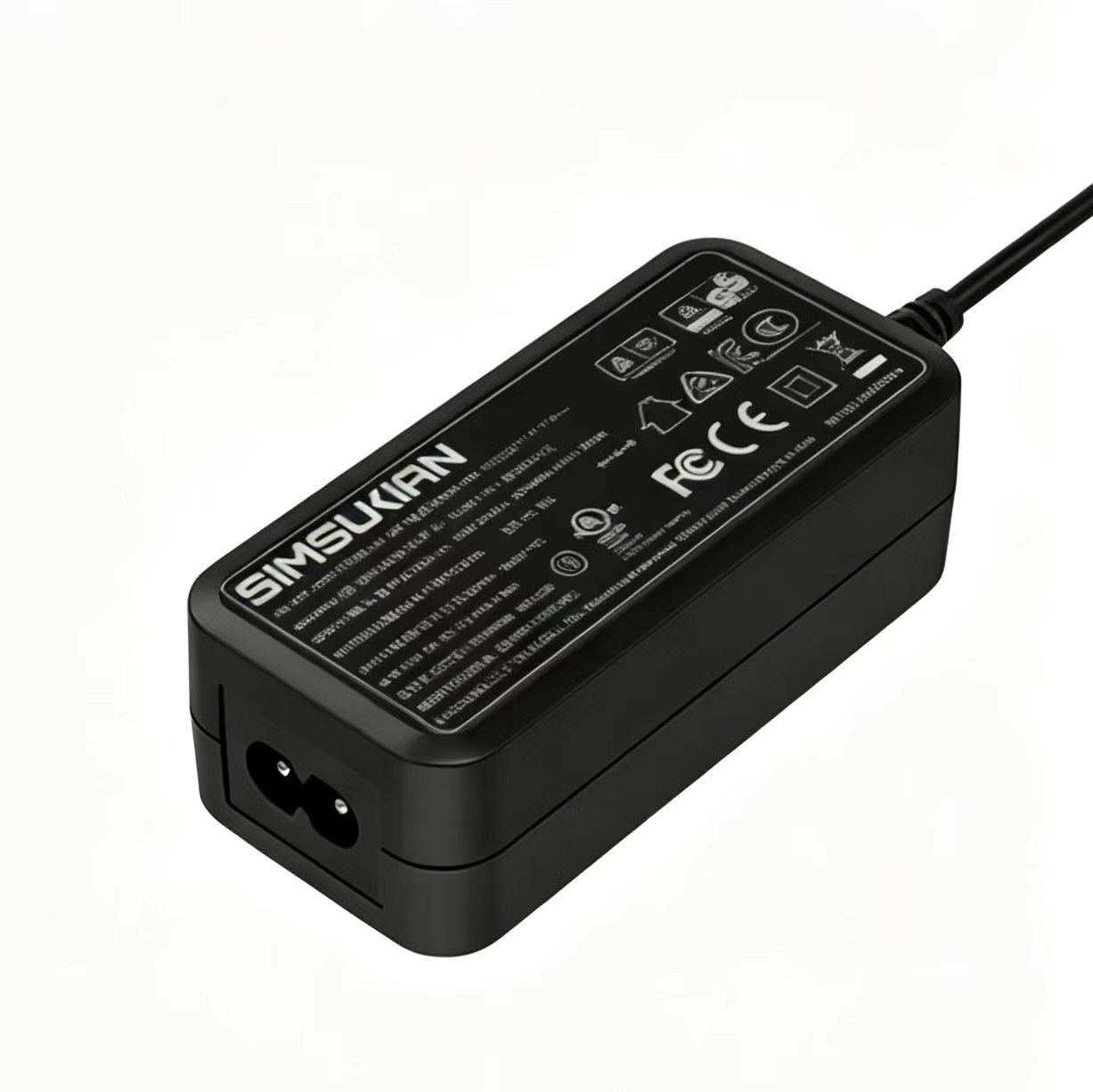
Moisture penetration and PCB corrosion gradually degrade insulation of the Desktop Power Adapter under hot humid conditions and cause safety shutdown. B-side hardware for humid workshops or outdoor cabinets must run long constant humidity-temperature aging on the Desktop Power Adapter, to evaluate insulation, leakage and component corrosion. Improve humidity resistance of the Desktop Power Adapter by selecting proper PCB mask, terminal plating and enclosure plastic. Lock material grades in mass production to preserve consistency. If you need humidity reliability assessment for Desktop Power Adapter, Sen Shu Qiang provides full aging test reports and custom Desktop Power Adapter designs for humid environments. Contact us for project discussion.